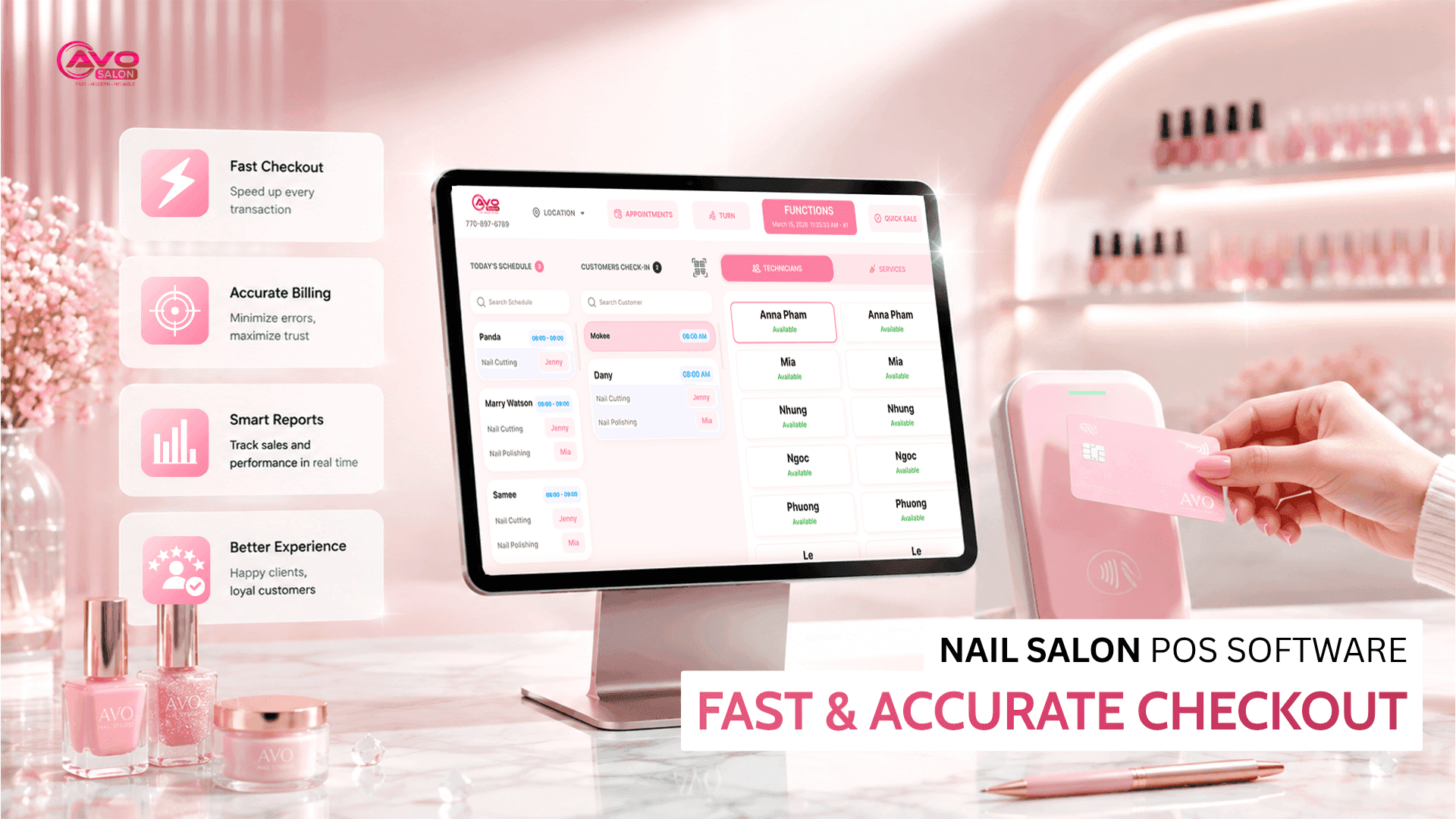
Running a nail salon in the U.S. is not easy, especially when you have to manage everything from scheduling to daily operations. You need to make sure appointments don’t overlap, reduce no-shows, keep your books organized, and close out the day accurately. A nail salon management software can help you streamline these tasks and reduce the amount of manual work. In this guide, we’ll cover the key features every salon needs, popular software pricing in the market, and a practical checklist to help salon owners choose the right solution.
The nail salon industry in the U.S. is largely driven by Vietnamese entrepreneurs — with an estimated number of nail salons nationwide being run by Vietnamese owners, particularly in California. This creates both opportunities and challenges: strong community networks, skilled technicians, and customer loyalty, but also intense competition. Customers often compare salons, read reviews, and check ratings before walking in. In this environment, managing your salon with Excel spreadsheets is no longer enough. Using the right software can help you save time, improve customer service, and run your business more efficiently. Let’s take a closer look.
1. Why Do U.S. Nail Salons Need Management Software?
Many salon owners think, “My salon is small, why do I need software?” But small daily tasks can quickly become major problems when they happen repeatedly:
- Scheduling without conflicts: A client makes an appointment, but another client is already booked at the same time — leading to overlapping schedules and missed opportunities. Software can help prevent these issues.
- Tracking customers: Who came in last week, who spent the most, who hasn’t returned for a long time — all of this information can be tracked automatically.
- No-shows and cancellations: Missed appointments can directly result in lost revenue. A proper system can send reminders and help reduce these losses.
- Tracking sales and tips: Monitor daily revenue, hourly sales, tips, W-2 and 1099 information — without having to manually organize everything at the end of the month.
- Understanding customer behavior: Keep customer profiles and service history so you can remember their preferences, recommend suitable services, and encourage repeat visits.
A nail salon management software can consolidate these tasks into one system: appointment scheduling, customer information, payment processing, revenue tracking, and more. The goal is not simply to “use software,” but to operate the salon more efficiently and avoid unnecessary mistakes.
2. Essential Features Every Nail Salon Should Have
The market offers many software solutions, but for a U.S. nail salon, the following 6 features are considered essential. Without them, you may still be able to operate, but the process will be less efficient.
2.1. Fast POS System
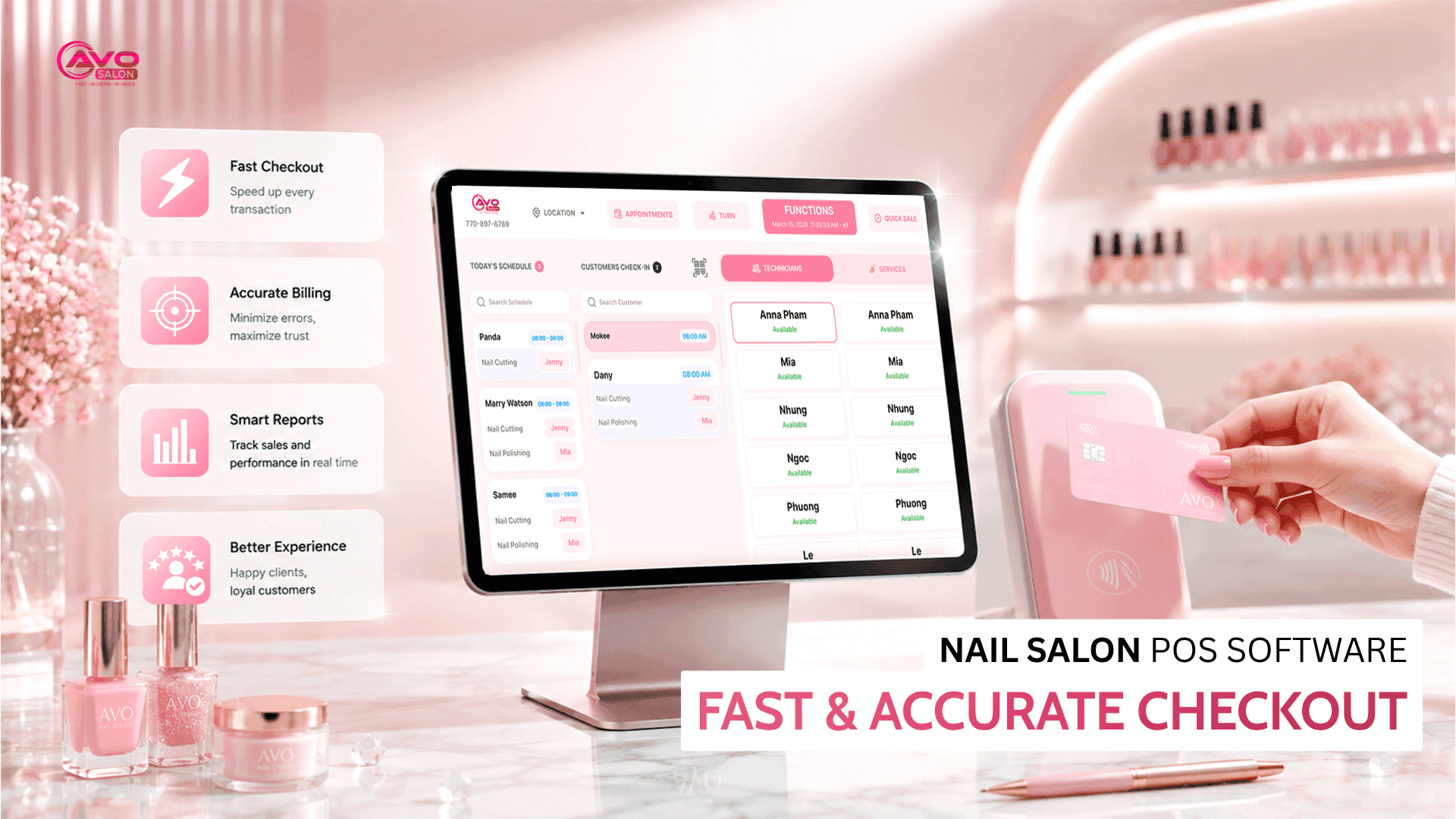
At the end of a busy day, checking out customers can feel like a never-ending task. The software should process payments quickly and support essential features such as services, tips, gift cards, and customer information. See more details in the AVO POS pricing page.
2.2. Online + Instant Appointment Booking
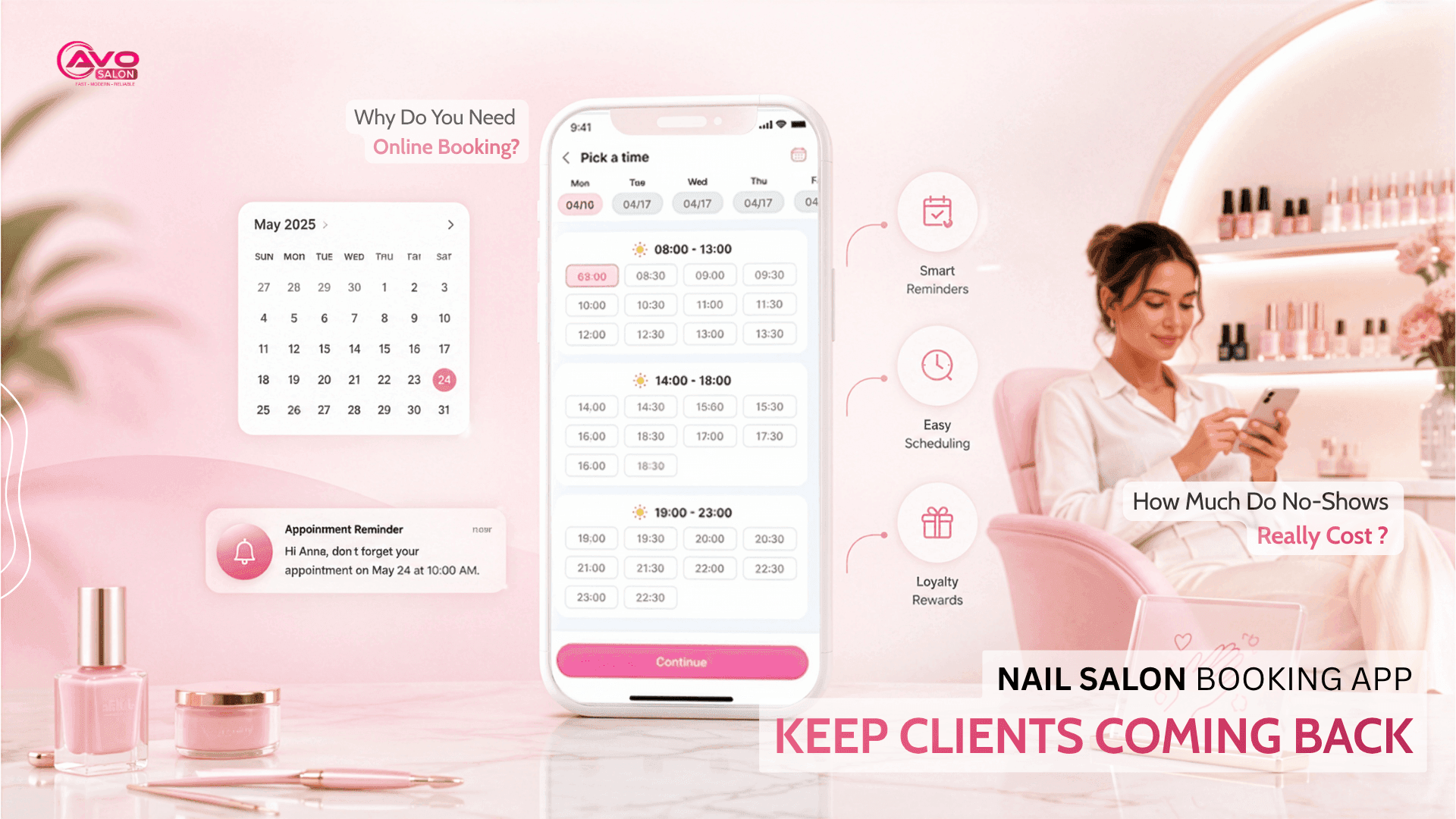
Let customers book appointments through Google, Instagram, or your website, while automatically sending SMS reminders 24–48 hours in advance and allowing customers to choose their preferred technician. This “revenue-saving” feature is extremely useful in the salon industry.
2.3. Technician & Service Management
The software should automatically track each service performed by each technician and customer, allowing you to clearly see who provided which service and how much revenue each technician generated. This is one of the most important features that differentiates international salon software from basic management tools.
2.4. Payroll & Tip Management
From hourly wages and commission rates to W-2 and 1099 reporting, the software should automatically calculate and summarize technician earnings so you can avoid manual calculations.
2.5. Inventory Management
Soap, cotton, gel, polish, and other supplies can easily run out when you least expect it. Inventory tracking helps you monitor stock levels and alerts you when supplies are running low so you can reorder them in time.
2.6. Revenue Reports
Know your revenue by day, week, or month, as well as which services and technicians generate the most revenue. Data should be available in real time so you can make faster and more informed business decisions. Revenue reports also help you identify your salon’s strongest and weakest areas.
Tip: Don’t choose software simply because it has “many features.” Choose a solution that fits your actual workflow and is easy for your staff to use. The best software is the one your team can learn quickly and use consistently.
3. Types of Software & Common Pricing
There are many software solutions on the market, each designed for different types of salons. The table below summarizes the common options so you can compare them before making a decision:
| Group | Best For | Approx. Price/Month | Key Features |
|---|---|---|---|
| Solo / Small Nail Salons | Solo, beauty professionals, 1–2 technicians | Free to ~$30 | Basic scheduling and essential features; suitable for smaller salons with simple needs. |
| Small Nail Salons | 2–10 technicians | ~$30–90 | Full POS, scheduling, tips, commissions, payroll, inventory; suitable for growing salons. |
| High-End / Customer Experience | Premium service salons | ~$150+ | Advanced features, automated marketing, strong customer experience, and more sophisticated walk-in management. |
| Multi-Location / Chains | 2+ locations, franchise businesses | Custom pricing | Advanced reporting, multi-location management, but often more expensive and complex for smaller salons. |
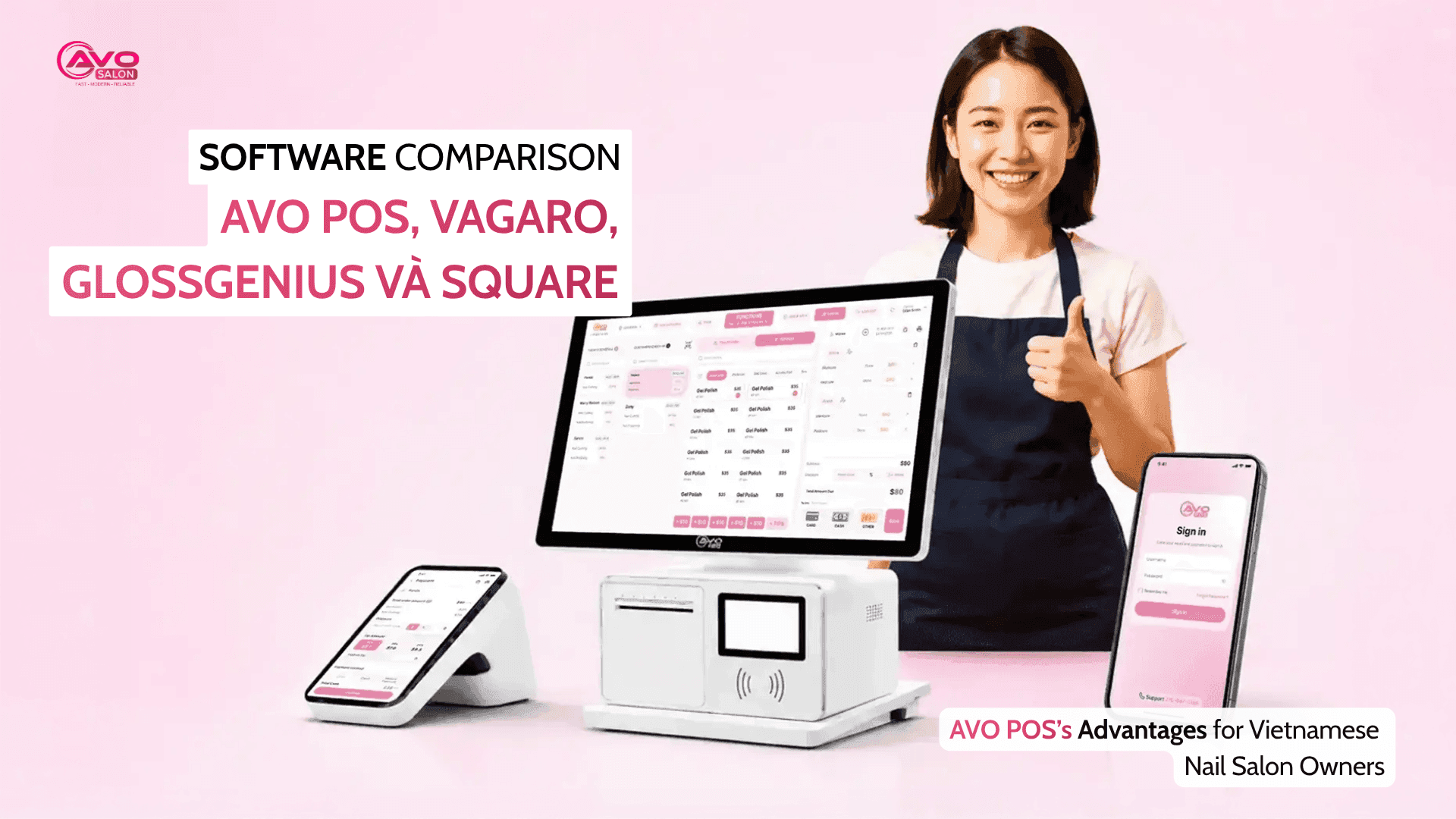
An important point: Most popular software solutions in the market are developed overseas, so their interfaces and support may not be optimized for the Vietnamese-American nail salon workflow. This can create difficulties when staff are accustomed to Vietnamese and English, especially with walk-in workflow and technician management.
If you’re comparing different options, check the AVO POS pricing and features to see which solution best matches your salon’s needs
4. Checklist for Choosing Software for Vietnamese Nail Salons
Before making a purchase, use this checklist. Don’t just look at how many features the software offers — make sure it actually fits your salon’s workflow:
- Vietnamese language support — Vietnamese interface and customer support make it easier for owners and staff to communicate, understand, and use the system correctly.
- Walk-in + turn workflow — automatically track returning customers and assign turns without creating confusion in the salon.
- Automatic tip splitting — calculate tips automatically and distribute them among technicians according to the salon’s rules.
- Fast bank transfer processing — tips or payments can be processed quickly, reducing the need for cash.
- Easy onboarding — staff should be able to learn the system within a few hours without extensive training.
- Marketing integration — automatically send reminders, request reviews, and deliver promotions to customers.
- Revenue management — the software should only take around 1–2% of your salon’s monthly revenue.
- Customer data migration — if you are switching from another software solution, check whether you can import your existing customer list and service history.
5. Common Mistakes When Choosing or Switching Software
Many salons lose customers and waste money not because their software is bad, but because they choose or implement it incorrectly. Here are the most common mistakes:
- Choosing based only on price. A software subscription may cost $0 per month, but transaction fees can add up quickly. Always calculate the total cost.
- Not testing the actual workflow before switching. Switching software without testing the process can create confusion, cause checkout errors, and frustrate both staff and customers.
- Not bringing customer data with you. Customer information is one of the salon’s most valuable assets. Make sure you have a way to export and import your customer database.
- Overlooking marketing and customer retention. A good software solution should not only help manage the salon but also help you bring customers back through reminders, reviews, and promotions. See more about marketing tools for nail salons.
- Choosing software that is “too big” for your salon. Don’t pay for dozens of advanced features that you never use. A simple, easy-to-use system can be more effective for a small salon.
Want to see whether the software can actually replace your current system? AVO POS is designed for U.S. nail salons, with appointment/turn management, automatic no-show scheduling, payroll management, and integrated marketing tools — all with Vietnamese language support. Book a demo.
6. Frequently Asked Questions (FAQ)
Does a 2–3 technician nail salon really need management software?
Yes. Even a small salon can benefit from software to manage appointments, tips, and no-shows. A simple system can help you “manage more efficiently with less work.”
Which software supports Vietnamese?
Most international software solutions are designed primarily for English-speaking users. If Vietnamese language support is important to you, prioritize software that provides a Vietnamese interface and Vietnamese customer support.
How much does nail salon management software cost per month?
Software pricing varies depending on features and the size of your salon. A safe rule of thumb is to keep your software cost around 1–2% of monthly revenue. Don’t simply choose the cheapest option — focus on the overall value.
Can nail salon software run on an iPad?
Yes. Most modern salon management software can run on iPads, tablets, and smartphones. Before choosing a solution, make sure it works properly with the devices your salon already uses.
Will I lose my customer data when switching software?
Not necessarily. Before switching, ask whether the new software allows you to import your customer list and service history from your existing system.
Conclusion
Choosing the right nail salon management software doesn’t have to be complicated. Focus on the features that matter most: appointment scheduling, turn/queue management, POS, payroll, inventory, and revenue reporting. For Vietnamese nail salons in the U.S., language support and a workflow that matches the way the salon operates are also extremely important.
The next step is to compare the AVO POS pricing and features to find the right option, or book a demo to see how the system can fit into your salon’s daily workflow.